AI Website Builders vs. Professional WordPress Development
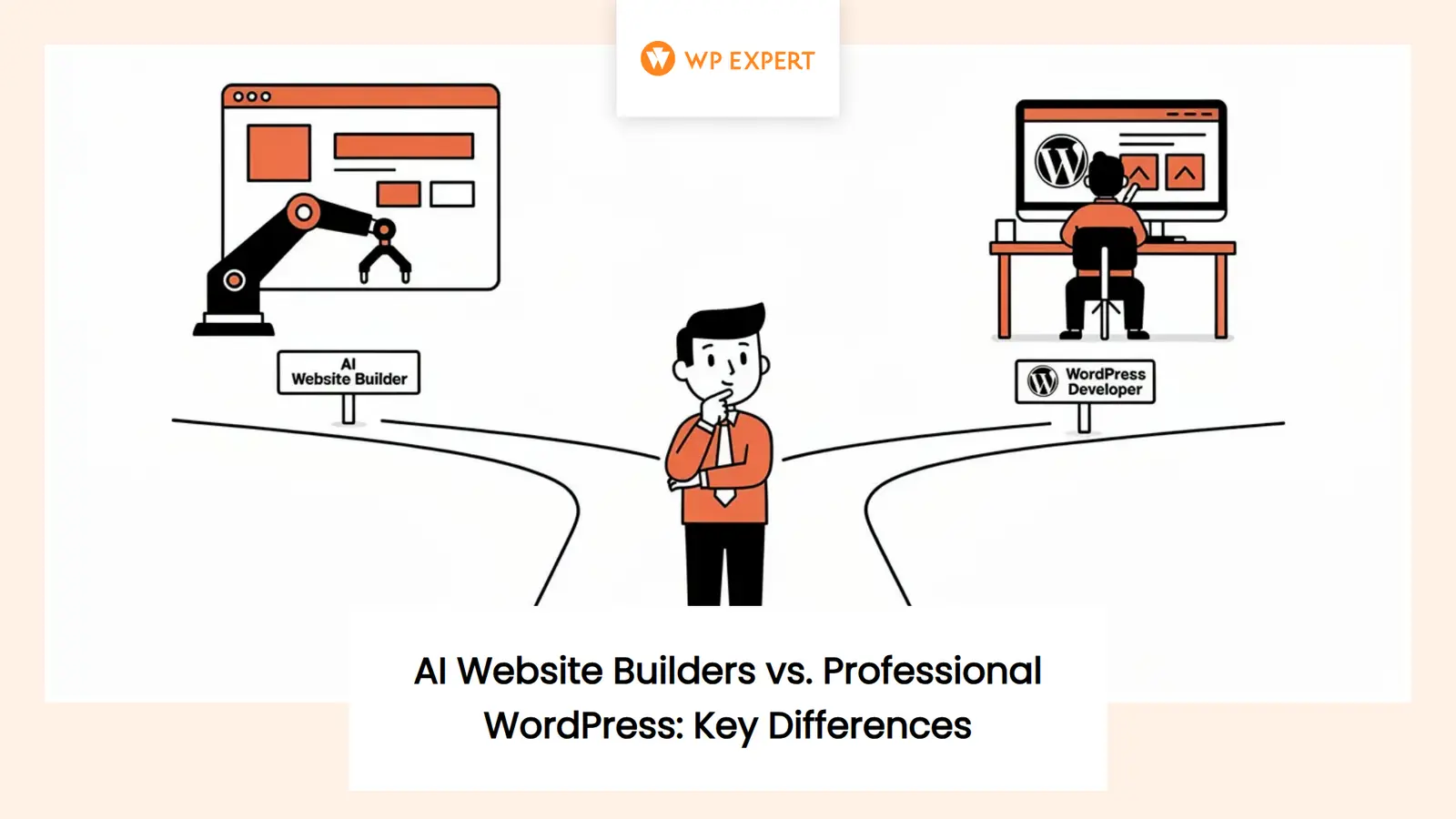
Picture this: you type a few sentences about your business, hit a button, and—boom—an AI spits out a complete website in less time than it takes to make coffee. It sounds tempting, right? Especially when you have a thousand other things on your plate and your old website looks like it was designed when flip phones were cool. But here is the question that keeps small business owners up at night: Can a website built by AI actually bring you real clients, or does it just give you the digital equivalent of a lovely storefront on a road nobody drives down?
The truth sits somewhere between the hype and the skepticism. AI has become remarkably good at assembling web pages, writing passable copy, and creating layouts that do not make your eyes water. But winning clients is more than a clean homepage and a contact form. It means showing up when someone searches for your service, proving you are trustworthy, leading that visitor through a clear path to contact you, and keeping everything secure and fast after launch. That is where the line between building a website and building a website that works becomes important.
Table of Content
We have spent more than a decade creating WordPress websites for small and medium businesses across Canada, and the rise of AI tools has not made our work obsolete—it has just changed the conversation. Clients now come to us asking whether they should try an AI builder first, whether AI can handle their bilingual site, or whether professional design still matters when a machine can design for free. Those are fair questions, and we believe in giving you straight answers instead of fear-based selling or dismissing new technology outright.
Yes, AI Can Build a Website—but Not All AI Website Builders Are the Same
Let’s start with the direct answer: yes, AI can build a website. If you give a modern AI website builder a prompt—”I run a plumbing business in Ottawa”—it will generate pages, write introductory copy, suggest images, and give you something that resembles a professional site. Some of these tools run on their own hosting platforms, others work within WordPress, and a few simply assist while you build manually.
WordPress.com, for example, launched its own AI website builder in 2025. You describe what you want, and it creates a WordPress site complete with text, layouts, and images. You can then ask it to make changes through chat or edit pages yourself. That is fast and visually impressive, but it is optimized for new sites on WordPress.com hosting, not necessarily for transforming an existing business website with complex integrations or ecommerce.
Other platforms, such as 10Web, generate editable WordPress sites using a modified page-builder stack and can support WooCommerce stores, payments, and product management. Then there are tools like Elementor’s AI Site Planner, which focuses on the planning stage—generating project briefs, sitemaps, and wireframes before you start detailed production.
The important point here is that “AI website builder” does not describe one uniform capability. Some produce finished sites on proprietary hosting; others give you starter templates or assist with code, copy, and images inside a self-hosted WordPress installation. Before you dive in, you need to understand what stack you are committing to, what you own, and whether you can move your site later if the platform does not work out.
What AI Does Well Right Now
AI shines in several specific areas, and using it strategically can save real time and money. Here is where it genuinely helps:
- Brainstorming and first drafts. Need five headline options or a starting structure for your services page? AI can generate a range of ideas in seconds. That does not mean you use them word-for-word, but it shortens the blank-page problem.
- Initial site structure and sitemaps. Tools can analyze your business description or a competitor’s site and suggest pages, menus, and user flows. This accelerates planning, especially if you are not sure what pages a professional site in your industry should include.
- Draft copy. AI can write passable introductory paragraphs, service descriptions, and FAQ answers. The quality varies, but it gives you a base to edit and personalize rather than starting from zero.
- Layout exploration. Some builders generate multiple design variations so you can compare options visually without waiting for mockups from a designer.
- Basic coding assistance. If you need custom CSS, a snippet of JavaScript, or a quick PHP function, AI can draft it. The catch: you still need to understand, review, and test that code before putting it live.
All of these capabilities are useful, but they share one critical requirement: human review. AI does not fact-check itself, understand your brand’s voice, or know whether a layout works on a real mobile device. It produces a draft—often a good one—but the final product depends on editing, testing, and adding the human details that build trust.
What Still Requires Human Judgment
Here is where AI falls short, and where professional expertise makes the difference between a pretty website and one that actually wins you clients:
- Brand positioning. AI tends to produce safe, generic claims like “quality service” or “solutions tailored to your needs.” It cannot infer what makes your business defensible, urgent, or different without quality research and strategic inputs. You need customer interviews, sales-call analysis, and a clear understanding of who your ideal client is before AI can help.
- Customer journeys. AI can insert a contact form, but it does not know whether your visitors need pricing, a quote, a consultation, a phone call, or reassurance before they convert. Mapping intent by page and building service-specific paths requires understanding real buyer behavior.
- Factual accuracy. AI invents information when it does not know the answer. If you let it write about your services, pricing, team credentials, or policies without checking, you risk publishing false claims that damage trust and credibility.
- Accessibility. An AI-generated layout can still contain poor color contrast, missing form labels, broken keyboard navigation, or incorrect heading structures. Approximately 27 percent of Canadians aged 15 or older have a disability, so accessibility is not an optional feature—it is a business and legal consideration. True accessibility requires manual keyboard testing, screen-reader checks, and compliance with web accessibility fundamentals, not just running an automated scan.
- Integrations. Connecting your site to a CRM, booking system, payment processor, or email platform involves configuration, testing, and troubleshooting. AI might suggest plugins, but it will not debug why your form submissions are not reaching your inbox or why your analytics are not tracking conversions.
- Security. AI builders can install plugins and themes, but they do not audit them for vulnerabilities, configure proper user permissions, or set up monitored backups. In 2025, Patchstack recorded more than 11,000 new WordPress vulnerabilities—91 percent in plugins. Launching fast with an unvetted plugin stack creates years of maintenance risk.
- Conversion strategy. AI can place a call-to-action button, but it will not tell you whether your service pages are persuasive, whether your form is too long, or whether your messaging speaks to the visitor’s actual pain points. For context, Unbounce’s analysis of more than 41,000 landing pages found a median conversion rate of 6.6 percent across industries, with commercial and professional services at 6.1 percent. These are useful benchmarks, not guarantees, but they show that measurable performance requires structured testing and optimization—not just generating a page.
If you want a clear website structure that supports business goals, you need strategy before automation. If you are building service pages designed to convert, check out our guide on service pages that convert to see what goes into persuasive page design.
The Costs Beyond Generating a Website
One of the most common misconceptions about AI website builders is that they are free or nearly free. The generation step might be fast and inexpensive, but the total cost of ownership includes several layers:
- Editing time. Even if AI drafts your pages, you will spend hours reviewing copy for accuracy, adjusting tone, replacing placeholder images, and fixing formatting issues. If your time is valuable, this is a real cost.
- Subscriptions. Most AI website builders charge monthly fees for hosting, premium templates, ecommerce features, or the AI generation itself. These can range from $10 to $50 or more per month depending on the platform and features.
- Hosting and domain. If the builder includes hosting, that is convenient—but you are locked into their infrastructure and pricing. If you outgrow the platform or it shuts down, migrating your site can be complex or impossible if export options are limited.
- Maintenance. Websites are not one-and-done projects. WordPress core, themes, and plugins need regular updates. Forms need testing. Backups need verification. If something breaks—a plugin conflict, a server issue, or a spam attack—you need someone who can fix it. DIY platforms often leave you troubleshooting alone.
- Troubleshooting and support. When your contact form stops working, your checkout page throws an error, or your site suddenly loads slowly, you need support. AI builders vary widely in human support quality, and many rely on forums or chatbots that cannot solve complex issues.
- Potential migration costs. If you start on a proprietary AI builder and later need to move to a different platform for flexibility or performance, migration can be expensive and time-consuming. Not all builders export cleanly to standard WordPress.
Ownership matters too. Some AI platforms give you full control and let you export your site at any time; others keep your content and design locked to their ecosystem. Before committing, confirm what you actually own and what happens if you cancel your subscription. If you are planning a long-term investment, understanding the true costs of a WordPress website helps you budget for the full lifecycle—not just launch day.
AI-Built Website vs. Professionally Developed WordPress Website
It helps to see the differences side-by-side. This table gives you a balanced comparison of what you typically get with each approach:
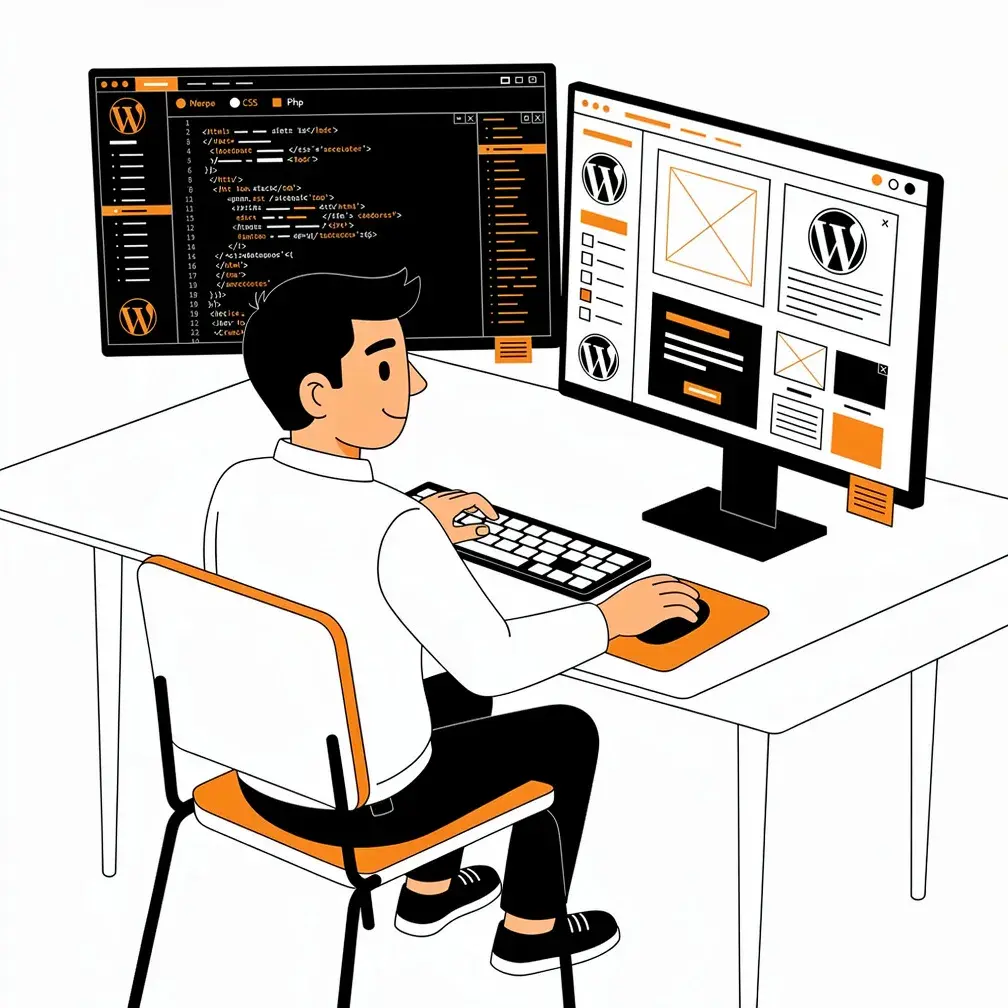
Neither option is universally better—it depends on your goals, timeline, and what happens after launch. If you need a placeholder site to test an idea, an AI builder might be enough. If your website is your primary marketing channel and you need qualified leads, professional development delivers better long-term returns.
When DIY Makes Sense—and When to Hire an Expert
Let’s be clear: there are situations where building your own website with AI assistance makes sense. If you are testing a business idea, launching a simple informational site, or working with an extremely tight budget, an AI builder gives you a starting point without a large upfront investment. You can get something live quickly, learn what works, and decide later whether to invest in a professional redesign.
But that approach has limits. Here is when professional expertise becomes essential:
- Lead generation is critical. If your website is your primary source of new clients, conversion rate matters more than launch speed. A site that generates one extra qualified lead per week can pay for professional design in a matter of months.
- You accept payments or handle sensitive data. Ecommerce, online booking, membership sites, and payment processing require security, compliance, and testing that go far beyond what an AI builder provides out of the box.
- You need bilingual content. Many Canadian businesses serve both English and French audiences. Managing translations, duplicate content, and proper language switching requires specialized plugins and configuration—not just running your copy through a translator.
- You have complex integrations. Connecting your website to a CRM, email platform, accounting software, or booking system involves API keys, webhooks, data mapping, and error handling. AI does not troubleshoot why your form submissions are not syncing.
- You operate in a regulated industry. Healthcare, finance, legal services, and nonprofits often have specific compliance requirements around accessibility, privacy, and data handling. Professional developers know how to document those decisions and configure systems correctly.
- You want to rank locally. Local SEO involves more than keywords on a page. It requires structured data, location-specific content, Google Business Profile integration, and consistent business information across directories. A generic AI-generated site will not handle that automatically.
If any of those situations describe your business, professional development is not a luxury—it is a strategic investment. According to Google’s guidance on AI-generated content, AI-generated content is not automatically penalized, but accuracy, usefulness, and compliance with spam policies matter. Mass-producing low-value pages can violate scaled-content-abuse policies, so quality control and original expertise are essential.
A Practical Approach to AI and WordPress
The future of web development is not AI replacing agencies or agencies ignoring AI. It is using AI to accelerate the routine work so professionals can focus on strategy, quality, and results. That is the model we follow, and it is the model that benefits clients most.
Here is how AI fits into a professional WordPress workflow:
- Discovery and research. AI can summarize customer interviews, analyze competitor sites, and organize themes from sales calls. Professionals validate those themes, define the ideal buyer, and choose a commercially defensible position.
- Information architecture. AI suggests sitemaps, user flows, and page outlines. We validate search intent, prioritize services, and design conversion paths based on real buyer behavior.
- Prototyping. AI generates wireframes and layout alternatives quickly. We apply brand systems, accessibility rules, and content hierarchy before testing with stakeholders.
- Copywriting. AI drafts headlines, FAQs, metadata, and variations. We add first-hand expertise, proof, accurate claims, local relevance, and brand voice.
- Development. AI can scaffold templates, CSS, and code snippets. We review every line, configure WordPress correctly, integrate business systems, and test thoroughly before launch.
- Optimization. AI suggests internal links, schemas, and content briefs. We validate structured data, build original content, and run experiments to improve conversion rates.
This hybrid approach gives you the speed of AI with the accountability and strategic thinking of experienced professionals. You do not have to choose between technology and expertise—you get both. If you are curious about how generative AI fits into WordPress development, we have written more about that process and how it complements human design.
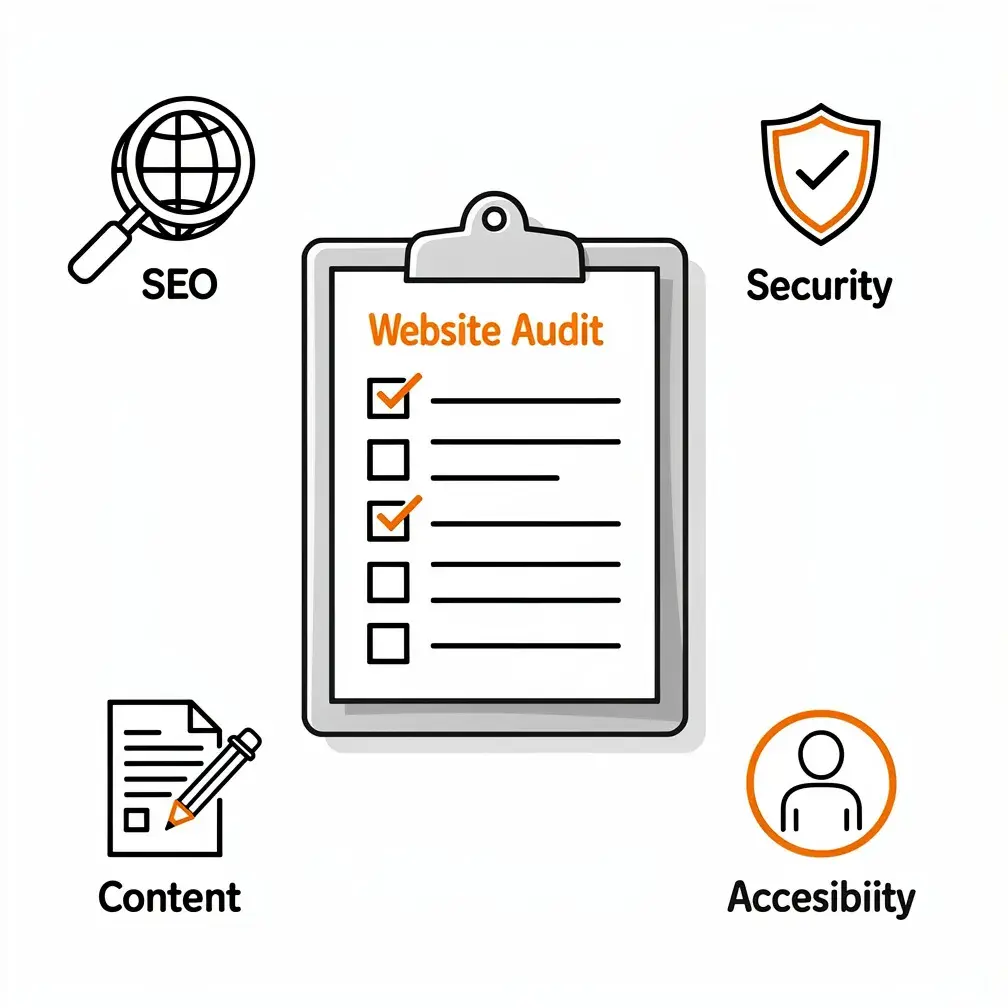
Before-Launch Checklist: What Every Business Website Needs
Whether you build your site with AI, hire an agency, or do it yourself, every business website should pass these checks before going live:
- Mobile usability. Test your site on real phones and tablets, not just a desktop browser window resized to mobile dimensions. Buttons should be tappable, text should be readable without zooming, and navigation should work smoothly.
- Working forms and email delivery. Submit a test form and confirm the message arrives in your inbox—and does not end up in spam. Set up email notifications correctly and test error messages for required fields.
- Accurate copy. Read every page aloud or have someone else review it. Check that your business name, address, phone number, hours, and services are correct. Remove placeholder text and generic AI phrases that do not match your brand.
- Accessibility checks. Navigate your site using only your keyboard. Check color contrast using a tool like WebAIM’s contrast checker. Ensure images have descriptive alt text and forms have proper labels. Consider testing with a screen reader if you are unfamiliar with accessibility standards.
- Performance. Google recommends a Largest Contentful Paint (LCP) within 2.5 seconds, Interaction to Next Paint (INP) below 200 milliseconds, and Cumulative Layout Shift (CLS) below 0.1. Use Google PageSpeed Insights or similar tools to measure real-world performance and address issues before launch.
- Search indexing. Confirm that search engines can index your site. Check your robots.txt file, remove any “noindex” tags left over from development, and submit your sitemap to Google Search Console.
- Analytics and tracking. Install Google Analytics or your preferred analytics platform, configure goals or events for form submissions and important actions, and verify that data is recording correctly.
- Security and backups. Ensure you have strong admin passwords, up-to-date plugins and themes, and a tested backup solution. Know where your backups are stored and how to restore them if something goes wrong. For a deeper dive, read our guide on WordPress security essentials for 2026.
These checks take time, but they prevent embarrassing mistakes and ensure your site actually works when clients visit. Skipping them is like opening a store before stocking the shelves or testing the cash register.
The Real Question Is Not AI or Agency—It Is What Happens After Launch
Here is what most AI website builder marketing does not tell you: launching a website is not the finish line. Winning clients requires ongoing work—monitoring performance, updating content, fixing broken links, testing new offers, responding to algorithm changes, and improving conversion paths based on real visitor behavior.
AI can help you launch quickly, but it will not tell you why your bounce rate is high, why visitors are not filling out your contact form, or why you are not showing up in local search results. Those insights come from analytics, testing, customer feedback, and experience.
Professional web development is not about charging you for every pixel we move. It is about creating a system that attracts the right visitors, earns their trust, guides them to take action, and continues performing month after month. That requires strategy before production, testing before launch, and continuous improvement after launch.
If your website is a side project or a placeholder, an AI builder might meet your needs. If your website is a business asset that needs to generate leads, sales, or memberships, professional expertise pays for itself. It is not about whether AI is good or bad—it is about matching the tool to the goal.
What This Means for Canadian Small Businesses
Canadian small businesses face unique challenges: serving bilingual markets, competing in local search, managing seasonal demand, and often operating with smaller budgets than their U.S. counterparts. In 2023, 59 percent of Canadian SMEs had an online presence, and among those, websites were the most common presence at 80 percent, followed by social media at 68 percent. That means many businesses still rely too heavily on platforms they do not own.
AI tools can help close that gap by lowering the barrier to entry, but they do not solve the deeper problem: a website without strategy, trust signals, and local optimization will not win clients, no matter how quickly it was built.
If you are a Canadian business owner looking to move beyond social media or upgrade an outdated site, the question is not whether to use AI. It is whether you want a site that exists or a site that works. The first one is faster and cheaper. The second one requires more thought, more investment, and ongoing care—but it delivers measurable results.
For strategies on building a site that supports modern marketing goals, take a look at our article on WordPress for modern marketing teams to see how websites and marketing automation fit together.
Final Thoughts: AI Is a Tool, Not a Shortcut
AI has changed how we build websites, and that change is mostly positive. It speeds up production, lowers costs for simple projects, and makes web design more accessible to people without technical skills. But it has not eliminated the need for human judgment, strategic thinking, or quality control.
If you are a small business owner trying to decide whether to build your own site with AI or hire a WordPress agency, ask yourself these questions:
- Is this website critical to my business, or is it just nice to have?
- Do I have time to edit, test, and maintain it myself?
- Do I know how to optimize it for search, accessibility, and conversions?
- What happens if something breaks or does not work as expected?
- Am I comfortable troubleshooting plugins, forms, and integrations on my own?
If your answers lean toward “this is important and I do not have time or expertise to handle it myself,” professional development is the right choice. If your answers lean toward “this is a test and I am comfortable learning as I go,” an AI builder might be a reasonable starting point.
Either way, the goal is the same: a website that represents your business accurately, earns visitor trust, and turns those visitors into clients. AI can help you get there faster, but it cannot do the strategic work that makes the difference between a site that looks good and one that actually performs.
Thinking about using AI for your next website? Let’s discuss your goals and create a WordPress website built to support your business. Request a free estimate from WP Expert today.
Frequently Asked Questions
Can an AI-built website actually bring in new clients?
Yes, but launching a website is only the first step. AI can create pages, draft copy, and add calls to action, but attracting and converting clients also requires search optimization, trustworthy messaging, fast performance, accessible design, working forms, and ongoing testing. Without strategy and maintenance, an AI-built site may look polished while attracting little traffic or producing few inquiries.
What can AI website builders do well for a small business?
AI builders are useful for generating an initial sitemap, page layouts, headlines, service descriptions, FAQs, and basic design variations. They can help you overcome the blank-page problem and launch a simple informational website quickly. However, their output should be treated as a draft. You still need to verify facts, replace generic language, add brand-specific details, test the design, and confirm that every important feature works properly.
What are the biggest risks of relying entirely on an AI website builder?
The main risks include generic positioning, inaccurate claims, inaccessible layouts, weak conversion paths, unreliable integrations, and security problems caused by poorly chosen plugins or themes. You may also face platform lock-in, limited customization, weak human support, or expensive migration later. Before subscribing, check what you own, whether the site can be exported, how backups work, and who will fix problems when something breaks.
When should a business hire a professional WordPress developer instead?
Professional help makes sense when your website is central to lead generation, ecommerce, bookings, memberships, or sensitive customer data. It is also valuable for bilingual Canadian websites, regulated industries, complex CRM integrations, and local SEO. These projects require more than generated pages: they need technical configuration, accessibility testing, security controls, conversion strategy, accurate content, and reliable maintenance after launch.
What should be checked before launching an AI-generated website?
Test the site on real phones and tablets, submit every form, verify email delivery, and remove placeholder text. Confirm that business details, services, pricing, and contact information are accurate. Check keyboard navigation, contrast, image descriptions, and form labels for accessibility. Measure speed, confirm search indexing, configure analytics and conversion tracking, update plugins and themes, and create a tested backup before promoting the site.