Mastering Website Structure for Success
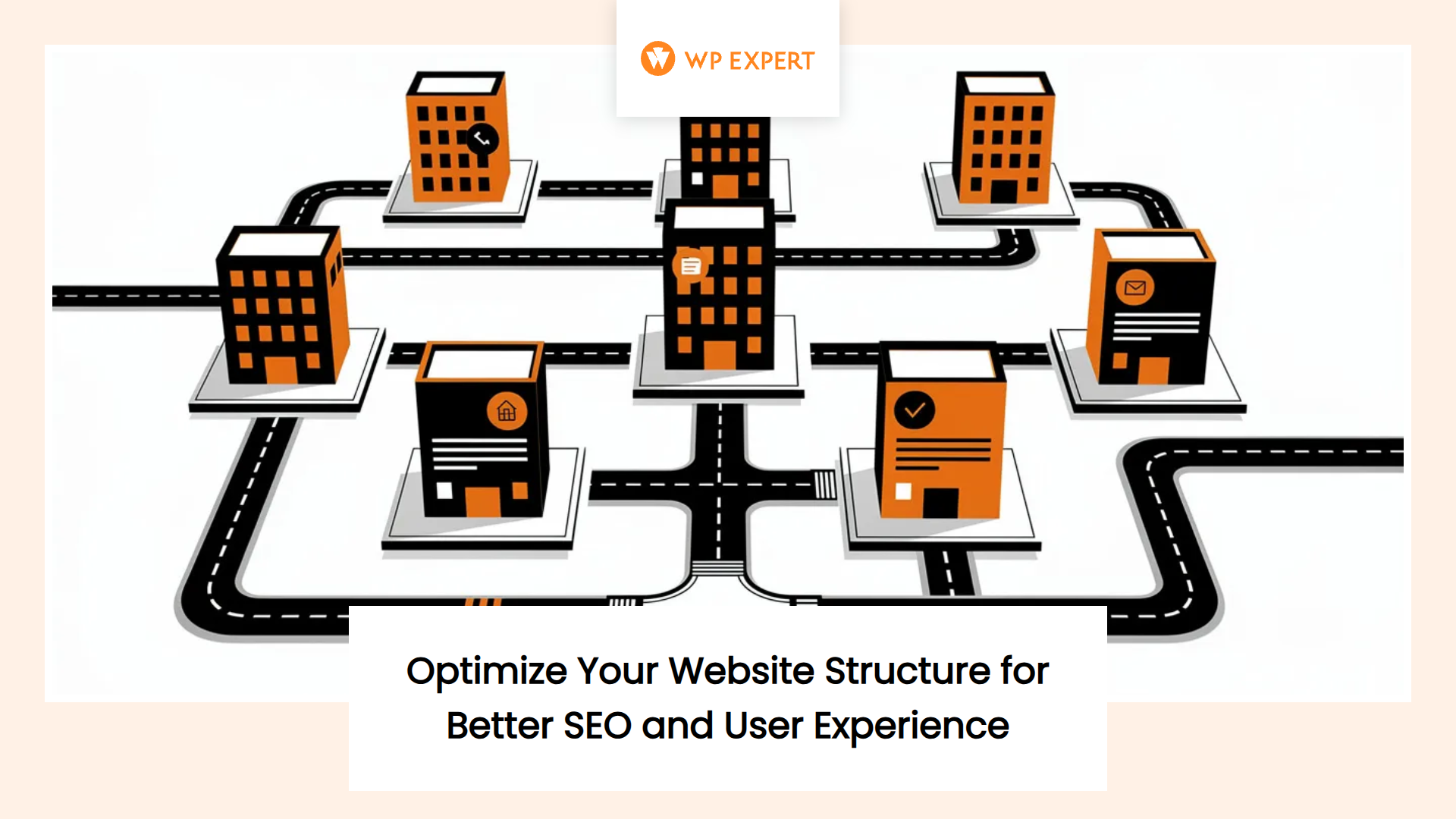
Think of your website as a city. If the roads make sense, visitors navigate easily, find what they need, and stick around. If the streets twist into confusing dead-ends and the signage contradicts itself, people leave. They don’t send you angry emails explaining why—they just bounce, and you’re left wondering why your beautifully designed site isn’t converting. That’s the harsh reality we see again and again when auditing websites for clients across Canada and the U.S.: gorgeous visuals layered over chaotic structures that frustrate users and confuse search engines.
Website structure isn’t glamorous. It doesn’t photograph well in portfolio screenshots. But it’s the backbone of every high-performing site we build and maintain. The difference between a site that generates leads and one that collects digital dust often comes down to how deliberately its pages are organized, linked, and surfaced to both humans and algorithms. For small and medium businesses across North America, getting structure right means the difference between competing effectively online and hemorrhaging opportunities to better-organized competitors.
Table of Content

Why Website Structure Matters More Than Ever
Website structure—sometimes called site architecture or information architecture—refers to how your pages are organized, interconnected, and presented to visitors and search engines. It encompasses the hierarchy of your content, the logic behind your navigation menus, how pages link to each other internally, and whether users can form a clear mental map of your site within seconds of landing.
We’re not talking about aesthetics here. A site can be drop-dead gorgeous and structurally dysfunctional. Structure is what happens beneath the surface: the decisions about which pages exist, how they relate to one another, what you call them, and how many clicks it takes to reach important information. When structure works well, visitors instinctively know where to go next. When it doesn’t, they leave—often within seconds.
The stakes have risen considerably. More than half of all web traffic now comes from mobile devices, where navigation friction is amplified. Meanwhile, research shows that users form judgments about website credibility within milliseconds, and confusing navigation is one of the fastest credibility killers. On top of that, search engines have become far more sophisticated at interpreting site structure as a signal of content quality and topical authority.
For WordPress agencies like ours serving Canadian and U.S. businesses, structure is doubly important. First, our own sites need to demonstrate structural clarity as proof of our capabilities. Second, the sites we build for clients must be architected to support their specific business goals—whether that’s lead generation, e-commerce, educational content, or ongoing support resources. A poorly structured client site reflects badly on us and undermines the value we deliver through maintenance and support contracts.
The Core Components of Effective Website Structure
Before diving into tactical steps, it’s worth understanding what makes up a solid structure. At its core, effective architecture balances three competing demands: user mental models, business priorities, and technical SEO requirements.
User Mental Models and Navigation
Users arrive on your site with assumptions about how websites work. They expect certain patterns: a logo in the top left that returns them home, primary navigation across the top or in a hamburger menu on mobile, a footer with secondary links and contact info. When you violate these conventions without good reason, you create cognitive friction. Users have to think harder, and thinking is the enemy of conversion.
Good structure respects mental models by using clear, recognizable labels—”Services” instead of “What We Do,” “Contact” instead of “Let’s Chat”—and by grouping related content logically. If you offer web design, WordPress maintenance, and SEO services, those should be organized under “Services” with subpages for each, not scattered across top-level navigation items with clever but ambiguous names.
Business Goals and Content Hierarchy
Your structure should make it obvious what your business does and guide visitors toward high-value actions. That means prioritizing pages that support your revenue model. For a WordPress agency focused on custom builds, that might be “Website Design” and “Custom Development.” For an agency centered on recurring revenue from maintenance, it’s “WordPress Care Plans” or “Support Services.”
Content hierarchy reflects importance visually and structurally. Your most critical pages—typically services, proof like case studies or portfolios, and contact—should be no more than one or two clicks from the homepage. Less critical content, like blog archives or company history, can sit deeper. This prioritization signals to both users and search engines what matters most.
SEO and Crawlability
Search engines discover and interpret your content primarily through internal links and URL structures. A flat architecture—where most pages are within three clicks of the homepage—helps crawlers reach everything quickly and signals that all content is relatively important. Deep, convoluted hierarchies bury content where it may be crawled infrequently or not at all.
Strategic internal linking reinforces topical relationships. If you have a comprehensive guide on WordPress maintenance, linking it from related service pages, case studies, and blog posts tells search engines that maintenance is a key topic for your site. Tools like Moz’s internal linking guide emphasize how these connections distribute authority and improve rankings.
Step One: Align Structure with Business Goals and Audience
Every structural decision should flow from a clear understanding of what your site is supposed to achieve and whom it serves. That might sound obvious, but we see agencies and businesses skip this step constantly, jumping straight into wireframes or page builders without defining success.
Define Your Primary Objectives
Start by articulating your top business goals for the website. Is it lead generation through contact forms or consultation requests? Is it educating prospects about your services to reduce sales cycle time? Is it supporting existing clients with resources and documentation? Is it a combination?
For a web design agency, typical goals include attracting qualified leads for custom WordPress projects, signing up clients for ongoing maintenance plans, and demonstrating expertise to build trust. Each goal suggests structural priorities. Lead generation demands clear service descriptions and prominent contact pathways. Client support suggests a knowledge base or resource library. Thought leadership points toward well-organized blog content and case studies.
Understand Your Buyer Personas
Different audience segments have different needs and mental models. A small business owner evaluating web design agencies cares about outcomes, pricing transparency, and proof of results. A marketing manager might focus on SEO capabilities, analytics, and conversion optimization. An IT or operations person worries about security, uptime, and technical support responsiveness.
Your structure should accommodate these personas without overwhelming any single group. That might mean offering high-level, jargon-free service overviews at the top level, with deeper technical details available through expandable sections or linked subpages. It could involve segmenting case studies by industry or problem type so different personas can quickly find relevant proof.
This persona-driven thinking applies whether you’re structuring your own agency site or a client’s. For example, we’ve worked with clients in sectors like modern marketing teams and nonprofits, each with distinct audiences. A nonprofit site serving both donors and program participants needs structural pathways that speak to each group’s motivations and questions.
Conduct a Content Audit
If you’re restructuring an existing site, audit what you already have. List every page, its purpose, its traffic and conversion performance, and whether it aligns with current goals. Identify duplicates, outdated content, and orphan pages—pages that aren’t linked from anywhere else on the site. Tools like Screaming Frog or Semrush’s Site Audit can automate much of this discovery.
Decide what to keep, update, consolidate, or delete. A lean, purposeful structure beats a bloated one every time. Pages that don’t serve a clear goal or audience just create noise and dilute your message.
Step Two: Choose the Right Structural Pattern for Your Site
Not all sites need the same architecture. The right pattern depends on your content volume, business model, and user needs. For most service businesses—including WordPress agencies—a relatively flat, task-oriented structure works best.
The Service Business Pattern
Research on website structures for service businesses suggests that a small set of strategically ordered pages outperforms sprawling site maps. The core pattern includes a homepage, services overview, individual service detail pages, an “About” page, a proof page for case studies or portfolio, a process or “How It Works” page, an FAQ, and a contact page.
This pattern works because it mirrors how buyers evaluate service providers. They want to understand quickly what you do, see evidence you’re credible, learn how engagement works, and make contact when they’re ready. The structure makes that journey frictionless.
For a WordPress agency, that translates to:
- Homepage: Rapid orientation—who you are, what you do, whom you help, and immediate proof. Primary call to action prominent.
- Services Overview: Brief descriptions of what you offer, organized by customer goal or problem, linking to detail pages.
- Individual Service Pages: Deep dives into website design, development, maintenance plans, support—each page explaining what’s included, how it works, typical outcomes, and proof.
- “Who We Help”: Industry or client-type pages showing specialization, such as nonprofits, local businesses, or professional services firms.
- Work/Case Studies: Portfolio or project pages demonstrating results and range.
- About: Team, values, story—building trust and humanizing the agency.
- Process: Step-by-step overview of how projects or engagements work.
- Resources/Blog: Articles, guides, tools—demonstrating expertise and supporting SEO.
- Contact: Simple form, clear expectations about response times, alternative contact methods.
This structure keeps click depth shallow—most pages are one or two clicks from the homepage—and prioritizes conversion pathways.
Topic Clusters for Content-Heavy Sites
If your strategy involves substantial educational content or thought leadership, consider organizing around topic clusters. A topic cluster consists of a pillar page covering a broad subject comprehensively, surrounded by cluster content addressing narrower subtopics, all interconnected through strategic internal links.
For example, a pillar page on “WordPress Maintenance Best Practices” might link to cluster articles on security hardening, plugin management, performance optimization, and backup strategies. Each cluster page links back to the pillar, signaling to search engines that your site has depth and authority on the topic. This approach supports both SEO and user navigation by creating clear thematic groupings.
E-Commerce and Directory Structures
E-commerce sites and large directories require different patterns—hierarchical taxonomies with faceted navigation and filtering. While less common for service agencies, understanding these patterns is useful if you’re building sites for clients in retail or publishing.
Step Three: Create a Visual Sitemap
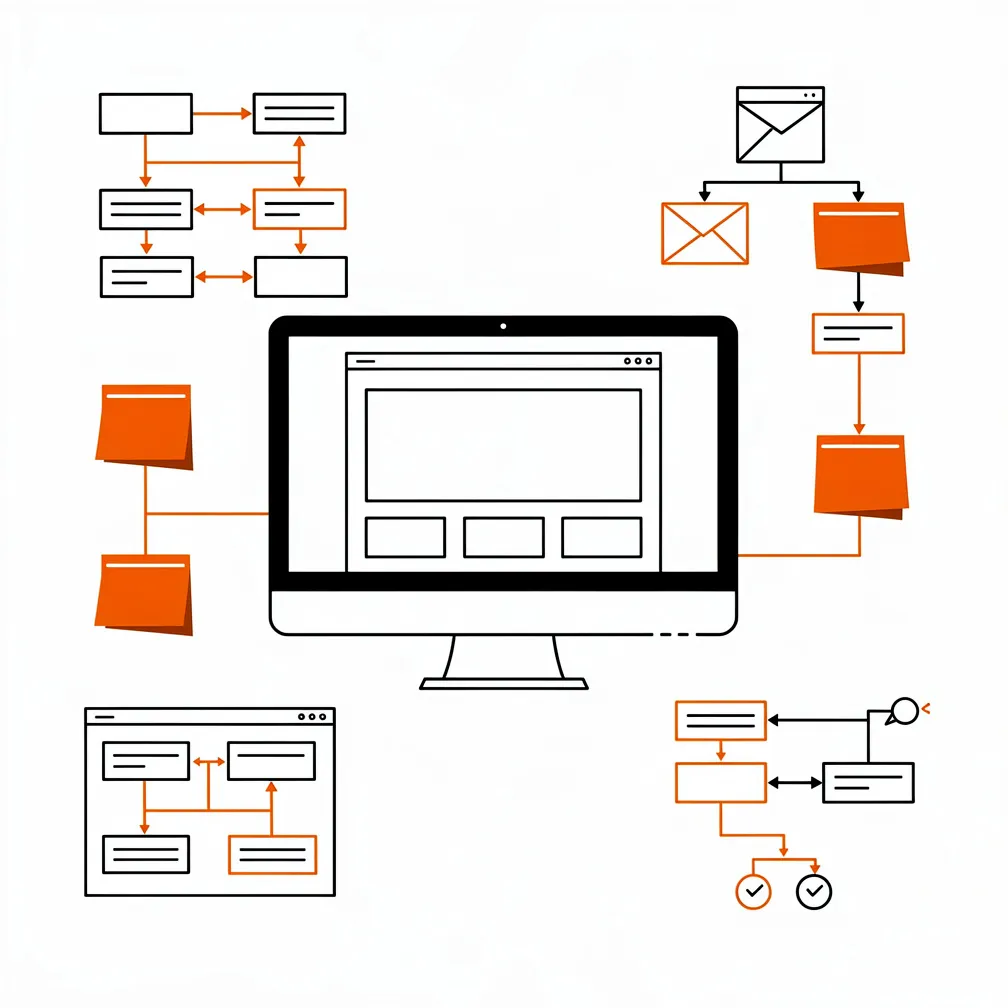
Once you’ve defined goals, audited content, and chosen a structural pattern, translate those decisions into a visual sitemap. A sitemap is a diagram showing every page and how they connect—essentially a blueprint of your information architecture.
Why Visual Sitemaps Matter
Visual sitemaps align teams and stakeholders. They make structural decisions explicit and discussable before you invest in design or development. They help identify gaps, redundancies, and logical inconsistencies early when they’re cheap to fix. For agencies working with clients, sitemaps are invaluable collaboration tools that ensure everyone agrees on scope and structure before a single line of code is written.
Tools for Creating Sitemaps
You can create sitemaps in design tools like Figma, dedicated sitemap tools like FlowMapp or Slickplan, or even in spreadsheets. The format matters less than the thinking it represents. Focus on clarity: label pages descriptively, show parent-child relationships, and indicate navigation groupings.
Test and Refine
Share your sitemap with colleagues or test users and ask them to walk through common tasks: “Where would you go to learn about our maintenance plans?” or “How would you find case studies relevant to nonprofits?” If they struggle or guess wrong, your labels or groupings need refinement. This kind of lightweight testing—sometimes called tree testing—validates structure before visual design distracts attention.
Step Four: Implement Structure in WordPress
With a validated sitemap in hand, it’s time to build the structure in WordPress. This involves mapping your conceptual architecture to CMS features: pages, posts, custom post types, taxonomies, menus, and internal links.
Pages vs. Posts vs. Custom Post Types
WordPress distinguishes between pages and posts, but it also supports custom post types for specialized content. Use pages for static, hierarchical content like services, about, contact, and process. Use posts for time-stamped, serialized content like blog articles. Custom post types are ideal for portfolios, case studies, team bios, or resources that need consistent templates and custom fields.
For example, create a “Case Studies” custom post type with fields for client name, industry, services used, and results. This lets you build archive pages filtered by industry or service, supporting IA patterns where users browse proof relevant to their needs.
Taxonomies: Categories and Tags
Categories and tags organize posts and custom post types. Categories represent broad topics; tags capture specific concepts. For an agency blog, categories might include “Web Design,” “WordPress Maintenance,” “SEO,” and “Performance.” Tags could be granular like “Core Web Vitals,” “Plugin Updates,” or “Nonprofit Websites.”
Well-designed taxonomies make content discoverable through filtering and improve internal linking by creating hub pages for each category or tag. Avoid over-tagging or creating overlapping categories—discipline here pays off in maintainability.
URL Structures and Permalinks
Configure WordPress permalinks to create clean, descriptive URLs that reflect your hierarchy. Use the “Post Name” setting for readability. Structure URLs logically: /services/wordpress-maintenance/ or /work/nonprofit-redesign/. Clear URLs help users understand where they are and improve SEO by including keywords naturally.
Navigation Menus
WordPress’s menu system lets you define primary, secondary, and footer navigation. Your primary menu should mirror the top-level structure from your sitemap: Services, Work, About, Resources, Contact. Use dropdowns sparingly—one level of submenu is usually enough for small to mid-sized sites.
On mobile, ensure your menu collapses into a functional hamburger or similar pattern that doesn’t overwhelm small screens. Test navigation on actual devices, not just in responsive preview modes, to catch usability issues.
Breadcrumbs
Breadcrumb navigation—those little trails like “Home > Services > WordPress Maintenance”—helps users understand where they are and provides quick shortcuts back to higher-level sections. Breadcrumbs also support SEO when marked up with structured data, potentially appearing in search results.
Many WordPress themes include breadcrumb features, or you can add them via plugins like Yoast SEO or Rank Math. Configure breadcrumbs to reflect meaningful hierarchies, not just the admin page tree.
Internal Linking
Strategic internal linking is essential. Link service pages to relevant case studies and blog posts. Link pillar content to cluster articles. Link from your homepage to your most important pages. Aim for a flat architecture where no page is more than three clicks from the homepage.
Use descriptive anchor text that tells users and search engines what the linked page is about. For example, instead of “click here,” use “learn more about our WordPress API integrations.” Internal links distribute authority, guide users, and reinforce topical relevance.
Step Five: Optimize for SEO and Crawlability
Structure and SEO are inseparable. A well-organized site is easier for search engines to crawl, understand, and rank. Several technical optimizations ensure your structure supports visibility.
XML Sitemaps
XML sitemaps list all your important URLs for search engines. Plugins like Yoast SEO or Rank Math generate and update these automatically. Submit your sitemap to Google Search Console and Bing Webmaster Tools so search engines can discover your pages efficiently. Exclude thin or duplicate content from sitemaps to focus crawler attention on what matters.
Robots.txt and Crawl Directives
Use robots.txt to guide crawlers away from admin pages, search result pages, or other low-value sections. Be careful not to accidentally block important content. Regularly audit your robots.txt and indexation settings to ensure search engines can reach your key pages.
Page Speed and Core Web Vitals
Site structure intersects with performance. Deep hierarchies with heavy navigation elements can slow load times. Optimize images, leverage caching, and minimize render-blocking resources. Tools like Google’s PageSpeed Insights and Core Web Vitals metrics (Largest Contentful Paint, Interaction to Next Paint, Cumulative Layout Shift) are ranking factors. Fast, structurally clean sites perform better.
Structured Data Markup
Structured data (schema.org markup) helps search engines understand your content types—breadcrumbs, organization info, reviews, FAQs, articles. Implement schema for key pages using JSON-LD. Many WordPress SEO plugins provide schema options. Structured data can enhance search result appearances and improve click-through rates.
Step Six: Test Navigation and User Experience
Structure isn’t just a technical or SEO concern—it’s a user experience issue. Once your architecture is live, validate that it works for real people.
Usability Testing
Recruit a handful of target users—clients, prospects, colleagues—and ask them to complete tasks: “Find information about WordPress maintenance pricing,” “Locate a case study for a nonprofit,” “Contact us for a consultation.” Observe where they struggle, what they click, and whether they succeed. This qualitative feedback reveals friction points that analytics alone might miss.
Analytics and Heatmaps
Use Google Analytics or similar tools to track navigation paths, bounce rates, and exit pages. Heatmap tools like Hotjar or Crazy Egg show where users click, how far they scroll, and which menu items they ignore. High bounce rates on key pages or frequent use of site search for basic terms suggest structural problems.
Mobile Testing
More than half your visitors likely arrive on mobile devices. Test your site thoroughly on phones and tablets. Ensure menus are thumb-friendly, that dropdowns work smoothly, and that critical content isn’t buried below the fold. Mobile users are often more impatient—structural clarity matters even more on small screens.
Step Seven: Maintain and Evolve Your Structure
Website structure isn’t a one-time deliverable. As your business grows, services change, and content accumulates, your architecture needs ongoing attention.
Regular Content Audits
Schedule quarterly or annual content audits to identify outdated pages, broken links, and orphan content. Consolidate or delete low-value pages. Update navigation to reflect new priorities. Agencies that offer maintenance and support services can include structural reviews as part of retainer packages, providing ongoing value beyond updates and backups.
Monitor SEO and Crawlability
Use tools like Semrush’s Site Audit or Screaming Frog to track click depth, orphan pages, internal link issues, and crawl errors. Address structural issues promptly. For example, if new blog content is getting buried, create better internal links or adjust your taxonomy structure to surface it on relevant hub pages.
Iterate Based on User Behavior
Pay attention to how users actually navigate your site versus how you intended. If analytics show most visitors go straight to a specific service page, consider promoting it in the main navigation or homepage. If certain case studies get heavy traffic, feature them more prominently. Structure should be responsive to evidence, not ego.
Common Structural Pitfalls and How to Avoid Them
Even experienced teams make structural mistakes. Here are patterns we’ve seen repeatedly and how to sidestep them.
Overly Deep Hierarchies
Burying important content four or five clicks deep makes it hard for users and search engines to find. Flatten your structure. Aim for three clicks or fewer from the homepage to any page. Use submenus and internal links strategically, but don’t create elaborate trees for their own sake.
Unclear or Clever Labels
“What We Do” might sound friendly, but “Services” is clearer. Avoid jargon, internal nicknames, or overly clever labels that confuse visitors. Use terminology your audience searches for and recognizes instantly.
Orphan Pages
Pages that aren’t linked from anywhere else on your site are structural dead ends. Users can’t reach them through navigation, and search engines may not discover or prioritize them. Audit regularly for orphans and either link them into your structure or delete them.
Inconsistent Taxonomies
Creating too many overlapping categories or tags, or using inconsistent naming conventions, makes navigation and filtering confusing. Define a clear taxonomy strategy and stick to it. Less is often more—a few well-chosen categories beat dozens of vague ones.
Ignoring Mobile Navigation
Desktop navigation that works beautifully often breaks on mobile. Don’t assume your theme or page builder handles it automatically. Test on real devices and iterate until mobile menus are as clear and usable as desktop versions.
Bringing It All Together
Effective website structure is the invisible scaffolding that makes everything else work. It aligns your site with business goals, respects how users think, and signals authority to search engines. For WordPress agencies serving small and medium businesses across Canada and the U.S., mastering structure is non-negotiable. It’s how we prove our strategic value, differentiate from template-based competitors, and deliver sites that perform over the long term.
The process isn’t glamorous, but it’s methodical. Start with clear goals and audience understanding. Choose a structural pattern that fits your content and business model. Create a visual sitemap and validate it with users. Implement thoughtfully in WordPress using pages, custom post types, taxonomies, menus, and internal links. Optimize for SEO and crawlability. Test navigation and user experience. Maintain and evolve your structure as your business and content grow.
When structure is right, everything else becomes easier. Content fits naturally into place. Users find what they need without frustration. Search engines understand and reward your topical focus. Conversions improve because visitors can complete their journeys without friction. And when you offer ongoing maintenance and support, structural optimization becomes a recurring value stream that keeps sites healthy and high-performing over time.
The difference between websites that work and websites that languish often comes down to structure. Get it right, and you’ve laid a foundation for long-term success. Ignore it, and you’re building on sand—no matter how beautiful the facade.
Frequently Asked Questions
Why does my beautiful website still have high bounce rates and low conversions?
Design alone can’t compensate for a confusing website structure. If your navigation feels like a maze—unclear page labels, scattered services, buried contact info—visitors quickly get frustrated and leave without telling you why. A clear, logical structure helps users form a mental map in seconds, reduces friction (especially on mobile), and guides them toward actions like inquiries, purchases, or demo requests.
What are the core ingredients of an effective website structure for a service business?
An effective structure balances user expectations, your business goals, and SEO. For most service businesses, that means a flat, intuitive layout: a focused homepage, a “Services” overview with individual service pages, proof (case studies/portfolio), “About,” “Process,” resources/blog, and a clear “Contact.” Each page should be reachable within a few clicks and organized around how buyers research, compare, and decide.
How do I align my site structure with different audience types and buyer personas?
Start by clarifying your primary goals (leads, education, support) and who you’re serving (owners, marketers, IT, donors, etc.). Then structure content so each persona can quickly find what matters to them. Offer simple, high-level overviews at the top level and link to deeper, more technical details. Group case studies, resources, and service pages in ways that match their problems, industries, or roles.
What practical steps should I take in WordPress to fix a messy structure?
Translate your sitemap into WordPress using pages, posts, and custom post types. Use pages for core content like services and contact, posts for your blog, and custom post types for things like case studies. Set clean permalinks, build focused menus, add breadcrumbs, and create internal links between related services, proof, and resources. Aim for no page being more than three clicks from the homepage.
How do I know if my structure is working and what should I monitor over time?
Test with real users by giving them tasks (e.g., “find maintenance pricing”) and watch where they stumble. Use analytics and heatmaps to track navigation paths, high-exit pages, and ignored menu items. Regularly audit content for orphan pages, outdated items, and bloated categories or tags. As behavior and business priorities change, adjust navigation, internal links, and page hierarchy to keep the structure lean, relevant, and conversion-focused.