How to Fix Google Business Profile Suspensions

Picture this: You’re checking your emails over morning coffee when a panicked message from a client lands in your inbox. “Our Google Business Profile is gone. We’ve disappeared from Maps. What happened?” Your stomach drops. Their profile was perfectly fine yesterday, but now it’s suspended without warning. No explanation. No clear violation. Just a vague message about “policy violation” and a link to submit an appeal.
This scenario has become disturbingly common for small and medium businesses across Canada and the US. What used to be a rare occurrence has turned into an epidemic, with Google suspending profiles at an unprecedented rate and leaving business owners scrambling to understand what went wrong.
Table of Content
We’ve seen this pattern repeat itself a few times with our clients over the past year, and we understand the urgency and frustration these suspensions create. Let’s break down what’s actually happening, why suspensions occur, and most importantly, what you can do to recover your profile and protect yourself moving forward.
The Reality Behind Google Business Profile Suspensions
Google Business Profile suspensions aren’t just increasing, they’ve exploded. Recent data shows that Google suspended approximately 39.2 million accounts in 2024 alone, nearly triple the 12.7 million suspended in 2023. While this figure includes various Google accounts, the trend mirrors what we’re seeing specifically with Business Profiles.
What makes this particularly frustrating is that most suspensions happen after seemingly innocent actions. You update your business hours, add a new service, change a photo, or modify your description and suddenly your profile is flagged. The appeal process that once took five days now stretches into five weeks or longer, leaving your business invisible to local customers during the entire ordeal.
For small businesses that depend on local search visibility for customer acquisition, this represents a genuine crisis. When your Google Business Profile disappears, you lose access to the primary channel most people use to find local services. Competitors immediately capture the search traffic that should be coming to you, and every day of suspension costs you potential customers and revenue.
Why Google Suspends Business Profiles in the First Place
Understanding why suspensions happen requires looking at Google’s enforcement triggers. The most common reason cited in suspension notices is “deceptive content”, but this vague label covers a wide range of potential violations that aren’t always obvious or intentional.
Many suspensions occur because of address-related issues. Google strictly prohibits using P.O. boxes, virtual offices that aren’t staffed during business hours, or displaying addresses for service-area businesses that don’t have public-facing storefronts. If you operate a contracting business from your home office but travel to client locations, your profile should hide the address and display service areas instead. Failing to configure this correctly triggers immediate suspensions.
Business name violations represent another major trigger. If your business name includes keywords like “Best Plumber Toronto” or “24/7 Emergency Locksmith,” Google considers this keyword stuffing and will suspend your profile. Your business name must match exactly what appears on your official business registration, signage, and legal documents nothing more, nothing less.
Making too many changes too quickly also raises red flags. Google’s automated systems interpret rapid or extensive profile modifications as suspicious activity. If you update your business name, address, phone number, and primary category all in one session, the system assumes you might be attempting to manipulate your listing and suspends it for review.
Duplicate listings create another common problem. If Google detects multiple profiles for the same business location perhaps because you created a new one after losing access to an old account, or because a previous marketing agency created one without your knowledge, both profiles typically get suspended. The duplicate detection system flags matching phone numbers, addresses, or websites even if the business names differ slightly.
The Two Types of Suspensions You Need to Understand
Not all suspensions work the same way. Understanding the difference between soft and hard suspensions helps you gauge the severity of your situation and plan your recovery strategy.
Soft Suspensions
A soft suspension removes your ability to manage your Google Business Profile through the management tools, but your listing remains visible to the public. Customers can still find your business on Google Search and Google Maps by searching for your business name. Your reviews, photos, and basic information continue to display.
However, you cannot edit your profile, respond to reviews, upload new photos, or post updates. Your profile appears “unverified” in Google’s system. Research shows that soft suspensions don’t immediately impact your search rankings: your listing maintains its previous positions in local search results. But this creates a false sense of security. Without the ability to actively manage your profile, you gradually lose competitive advantage as rivals with actively managed profiles outrank you over time.
Hard Suspensions
A hard suspension is far more severe. Google completely removes your listing from Google Search and Google Maps. Your entire profile including all reviews, photos, posts, and history disappears from public view. Customers searching for your business name won’t find you. You’ve effectively become invisible in local search.
Hard suspensions indicate that Google believes your business isn’t eligible for a Business Profile or has seriously or repeatedly violated guidelines. Recovery from hard suspension takes longer, and even after reinstatement, it may take up to two weeks for your rankings to fully return to previous levels.
How to Actually Fix Your Suspended Profile
When you discover your profile is suspended, your first instinct might be to immediately submit an appeal. Resist this urge. The most common reason appeals get denied is that business owners appeal without first identifying and fixing the underlying violation.
Step One: Diagnose the Problem
Your suspension notification provides a general policy category that was violated, but it rarely explains specifics. You need to become a detective. Compare your suspended profile against Google’s current guidelines and look for potential violations.
Check these common issues:
- Does your address match your legal business registration exactly?
- Does your business name include promotional keywords or services?
- If you’re a service-area business, is your address hidden with service areas defined instead?
- Are there duplicate listings for your business?
- Have you changed core information recently?
Gather all official documentation that constitutes your canonical business information: business registration documents, business licenses, insurance certificates, utility bills, and tax documents. Look for inconsistencies between these documents and what appears in your suspended Google Business Profile. These inconsistencies are the most common reason appeals fail.
Step Two: Fix the Violation Before You Appeal
Once you’ve identified the likely violation, correct it before submitting any appeal. If your business name includes keywords, change it to match your legal registration exactly. If your address is wrong or if you’re displaying an address for a service-area business that should be hidden, fix the configuration. If duplicate listings exist, consolidate them properly.
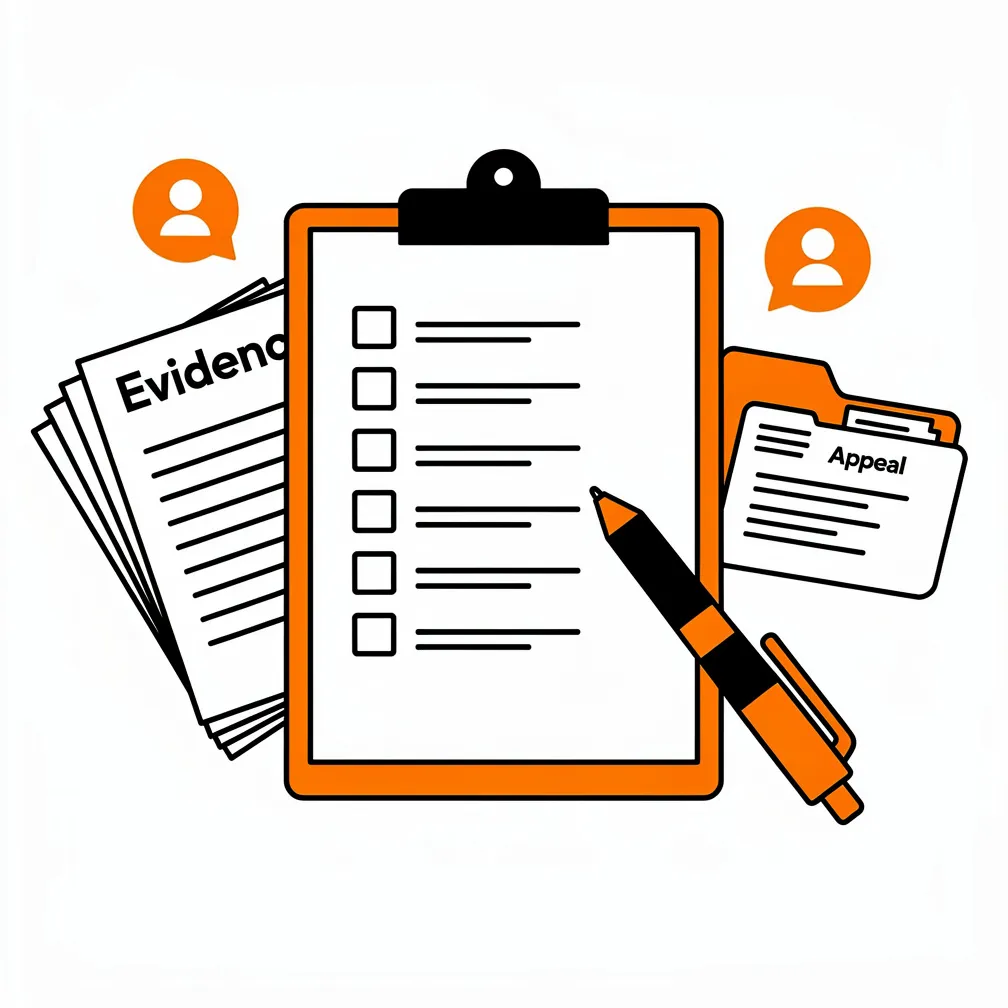
Submitting an appeal without correcting the underlying violation virtually guarantees denial. Google explicitly warns against submitting multiple appeals without making changes. We’ve seen businesses waste weeks going through repeated appeal cycles because they never fixed the original problem.
Step Three: Build Your Evidence Package
Before you start the appeal process, prepare comprehensive evidence that demonstrates your business legitimacy and compliance. This includes official business registration documents, business licenses, tax certificates, and utility bills showing your business name and address.
Here’s the critical detail most people miss: When you access the appeals tool and choose to submit evidence, you have only sixty minutes to upload your documents. If you exceed this time window, your evidence won’t be attached to the appeal. This extremely limited timeframe means you must have everything prepared, formatted, and ready to upload before you even open the evidence submission form.
The most successful appeals don’t just prove business legitimacy, they explicitly demonstrate compliance with the specific guideline that was allegedly violated. If the suspension was for address fraud, provide clear proof of your actual business address. If it was for keyword stuffing, show the corrected business name and explain the change you made.
Step Four: Submit the Appeal Through the Official Tool
Access the Google Appeal form using the correct Google account associated with your profile. The appeals tool displays your suspended profile, the specific reason for the suspension, and a link to the violated policy.
Submit your appeal during business hours on a weekday when Google’s review systems are most active. Have all your evidence ready before you begin. Once you open the evidence form, work quickly and deliberately, you have sixty minutes from opening the form to complete your submission.
Be clear and concise in your appeal explanation. State what was wrong, what you’ve corrected, and provide supporting evidence. Don’t be defensive or argumentative. Simply demonstrate that you understand the guidelines and have brought your profile into compliance.
Step Five: Wait and Monitor
Google officially claims they resolve most suspension cases within three to five days, but current reality shows different timelines. Recent reports indicate wait times of three to four weeks or longer. Google recently announced improvements claiming ninety-nine percent of appeals are now addressed within twenty-four hours, but many business owners still report extended delays.
While waiting, monitor your email for responses from Google. Don’t make further changes to your profile during the appeal period, as this can complicate the review process.
Step Six: Handle Denials and Secondary Appeals
If your first appeal is denied, don’t panic. Industry data suggests approximately sixty to seventy-five percent of properly prepared first appeals succeed, which means roughly one in three legitimate appeals still get denied.
When an appeal is denied, carefully review the denial notice for any additional information about what’s still wrong. Sometimes Google provides more specific guidance in denial notices than in initial suspension notifications. Make any additional corrections needed, gather supplementary evidence, and submit a secondary appeal.
Sometimes recovery takes persistence. We’ve seen cases requiring five, six, seven, or even eight follow-ups before reinstatement. Each subsequent appeal has lower success rates, but legitimate businesses that have genuinely corrected violations eventually succeed in most cases.
The Impact on Your Local SEO and Business
Understanding the business impact of a suspension helps prioritize recovery efforts. When your Google Business Profile is suspended, particularly with a hard suspension, you lose the primary channel most local customers use to find businesses like yours.
Service-based businesses that depend on the Google Local Pack for customer acquisition often see thirty to seventy percent drops in new customer inquiries during suspension periods. Your competitors immediately capture the search traffic that would normally come to you. Every day of suspension represents lost revenue and market share that may be permanently captured by rivals.
Even after reinstatement, full recovery takes time. Your profile needs to rebuild ranking signals through active management: responding to reviews, posting updates, uploading photos, and maintaining accurate information. For most businesses, it takes two to three weeks for rankings to return to pre-suspension levels. Service-area businesses may require up to two weeks just for map pack rankings to stabilize.
This creates a compounding problem. The longer you’re suspended, the more ground you lose. The more ground you lose, the longer recovery takes. Quick action to identify, correct, and appeal suspensions becomes essential to minimizing business disruption. Managing Google reviews properly is a critical part of maintaining your profile in good standing responding to reviews professionally demonstrates active engagement that Google’s algorithms reward.
How to Prevent Future Suspensions
Prevention is far easier than recovery. Once you’ve successfully reinstated your profile, implement proactive measures to minimize future suspension risk.
Maintain Consistent Business Information Everywhere
Your business name, address, and phone number must match exactly across all platforms: your website, Google Business Profile, social media accounts, and local directory listings. Inconsistencies in this NAP data create confusion for Google’s systems and increase suspension risk.
When you need to change core business information, update it everywhere simultaneously rather than making scattered changes over time. This consistency signals legitimacy to Google’s algorithms and reduces the likelihood of triggering fraud detection systems.
Make Profile Changes Carefully and Deliberately
When you need to update your Google Business Profile, don’t bundle multiple changes together. Making numerous edits in a single session, particularly changes to core information like business name, address, phone, or primary category will triggers Google’s security systems.
Instead, stagger updates across several days or weeks. Make one change, wait a few days, then make the next change. This pacing demonstrates normal business evolution rather than the suspicious rapid-fire editing pattern that characterizes bad actors attempting to manipulate listings.
Configure Service-Area Businesses Correctly
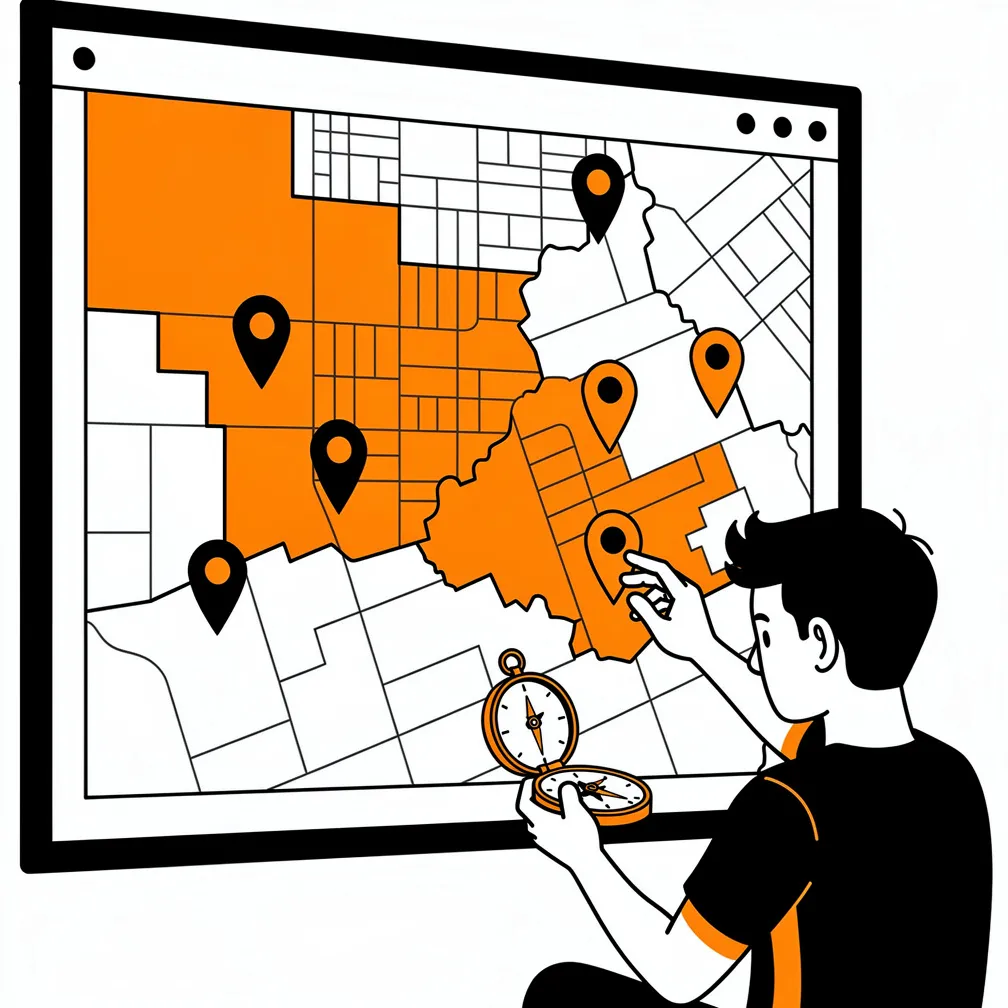
If you operate a service-area business meaning you travel to customers rather than having customers visit a storefront, your profile configuration must reflect this structure. Hide your physical address from public view and define specific service areas (cities or ZIP codes) where you operate instead.
Google allows up to twenty service areas, but recommends focusing on areas you genuinely serve rather than maximizing the number. Your service area shouldn’t extend much beyond approximately two hours of driving time from your physical base. Overextending your service area or displaying an address when you should hide it represents one of the most common suspension triggers for service businesses.
Keep Your Business Name Clean and Accurate
Your business name field should contain only your actual business name as it appears on your legal registration and signage. Never include keywords, services, locations, or promotional language. If your legal business name is “Smith Plumbing,” that’s exactly what should appear in your business name field not “Smith Plumbing | Best Emergency Plumber Toronto | 24/7 Service.”
All the descriptive information and keywords belong in your business description field, where they’re permitted and beneficial. But the business name itself must remain clean and accurate.
Manage User Access Carefully
Regularly audit who has access to manage your Google Business Profile. Remove access for any former employees, contractors, or previous marketing vendors who no longer need it. If someone with access to your profile has their own account suspended for policy violations, it can cause cascading suspensions affecting all profiles they manage.
Before granting any new user access to your profile, verify that their Google account is in good standing and not under any restrictions. This simple precaution prevents associating your legitimate business with potentially problematic accounts.
Conduct Regular Compliance Audits
Schedule quarterly reviews of your Google Business Profile to ensure ongoing compliance with current guidelines. Check that all information remains accurate, consistent, and properly formatted. Verify that no duplicate listings have appeared. Confirm that your verification status remains current.
These proactive audits catch potential problems before they trigger suspensions. They also create documentation of your compliance history, which can be valuable evidence if suspensions occur despite your careful management. Building a strong local presence involves more than just your Google Business Profile, leveraging review cards and other growth tools helps create the diverse digital footprint that signals legitimacy to Google’s systems.
The Bigger Picture: Systemic Issues with Google’s Enforcement
While we focus on recovery strategies and prevention, it’s important to acknowledge the systemic challenges in Google’s Business Profile enforcement system. The dramatic increase in suspensions over the past year suggests overly aggressive algorithmic enforcement rather than a genuine increase in bad actors attempting to manipulate local search.
Google’s lack of transparency about specific violations makes recovery unnecessarily difficult. Many suspensions provide only vague policy category citations without explaining what aspect of the profile actually violated guidelines. This forces business owners into guessing what went wrong and hoping their corrections address the right issues.
The implementation of AI-assisted review through Gemini has improved processing speed but raised questions about review quality. Faster decisions don’t necessarily mean more accurate decisions, and some appeal denials appear to be automated assessments rather than genuine human reviews of the evidence provided.
These systemic issues create particular challenges for legitimate businesses operating in competitive markets. When competitors can report your listing for minor or nonexistent violations, and Google’s automated systems suspend first and ask questions later, the enforcement environment becomes hostile to businesses trying to operate honestly within the guidelines.
Moving Forward with Confidence
Google Business Profile suspensions represent a serious threat to local business visibility, but they’re not insurmountable. Understanding why suspensions happen, how to diagnose and correct violations, and how to navigate the appeal process successfully puts you back in control.
The key insights to remember: Most suspensions result from specific, correctable violations rather than permanent disqualification. Successfully recovering requires identifying the actual violation, fixing it before you appeal, and providing solid evidence of both your business legitimacy and your compliance with guidelines. Prevention through careful profile management, consistent information across all platforms, and regular compliance audits dramatically reduces your suspension risk.
For businesses managing their online presence, particularly those building websites on WordPress platforms, integrating Google Business Profile management into your overall digital strategy makes sense. Your website serves as the hub for validating your business information, providing the detailed content your profile summarizes, and creating the consistent digital footprint that signals legitimacy to Google’s enforcement systems. Understanding data privacy compliance and building a strong business website are part of the same ecosystem that supports your local search visibility.
The current enforcement environment remains challenging, with inconsistent application of guidelines and extended appeal timelines creating genuine business hardship for suspended profiles. But by understanding the system, implementing proactive compliance measures, and responding quickly and effectively when suspensions occur, you protect your business’s local search visibility and minimize the revenue impact of enforcement actions.
When your Google Business Profile disappears without warning, the panic is real and justified. But with the right knowledge and approach, you can navigate the reinstatement process successfully and emerge with a stronger, more compliant profile that serves your business for the long term.
Frequently Asked Questions
What causes a Google Business Profile to get suspended?
Google Business Profile suspensions often occur due to violations of their guidelines, such as fake reviews, multiple listings for the same location, inaccurate business information, spam, or keyword stuffing in the business name or description.
How do I know if my Google Business Profile is suspended?
You’ll receive an email notification from Google, and attempting to access or edit your profile in the Google Business Profile dashboard will show a suspension notice with details on the reason.
What should I do if my profile is suspended?
Review the suspension notice, correct any violations (e.g., update inaccurate info, remove fake reviews), and submit a reinstatement request through the Google Business Profile dashboard or support form, providing evidence of compliance.
How long does it take to reinstate a suspended Google Business Profile?
Reinstatement can take anywhere from a few days to several weeks, depending on the severity of the violation and the completeness of your appeal. Google reviews requests manually.
How can I prevent future suspensions of my Google Business Profile?
Follow Google’s guidelines strictly: use accurate info, avoid spam or fake engagement, claim only locations you own/operate, respond genuinely to reviews, and regularly audit your profile for compliance.