7 Proven Strategies to Build Trust with Your WordPress Site
Let’s be honest: your potential clients are looking for reasons not to trust you. Before they ever pick up the phone or fill out a contact form, they’re scrolling through your website with one eye on the exit button, mentally running a checklist that determines whether you’re a legitimate partner or just another vendor with slick promises and zero follow-through. Most WordPress agencies spend thousands of dollars and countless hours building gorgeous portfolios, then wonder why qualified leads still ghost them after browsing the site. The problem isn’t your design skills or development chops. The problem is that your website isn’t built to build trust.
Trust isn’t a happy accident. It’s the result of dozens of deliberate signals embedded throughout your site that collectively tell visitors: “We know what we’re doing, we care about your success, and we’re the kind of partner who shows up when things go wrong.” For small and medium-sized businesses in Canada evaluating WordPress agencies, these trust signals often matter more than your actual technical abilities. After all, they can’t audit your code or evaluate your security protocols. What they can do is notice whether your site loads in two seconds or twenty, whether your testimonials feel real or generic, whether you clearly explain what they’re buying, and whether your privacy policy exists at all.
Table of Content
We’ve spent over a decade working with Canadian businesses that came to us precisely because they didn’t trust their previous agencies. The patterns are remarkably consistent. Clients tell us about vendors who disappeared after launch, about sites that got hacked because nobody was minding the store, about vague invoices for “maintenance” that never seemed to include anything tangible. These aren’t just service failures—they’re trust failures that began the moment those agencies failed to demonstrate credibility on their own websites. Your WordPress site needs to function as a trust engine, systematically addressing every doubt and objection before your prospect ever reaches out. Here’s exactly how to build one.
Trust Signal #1: A Clear, Professional First Impression
Visitors form opinions about your trustworthiness within seconds, and visual design quality sits at the top of the hierarchy of cues they’re scanning. A dated layout, inconsistent typography, clashing colors, or confusing navigation immediately raises red flags. If you can’t design and maintain a professional site for your own business, why would a prospect trust you to handle theirs? Clean, modern design isn’t about following trends for their own sake—it’s about demonstrating competence and attention to detail.
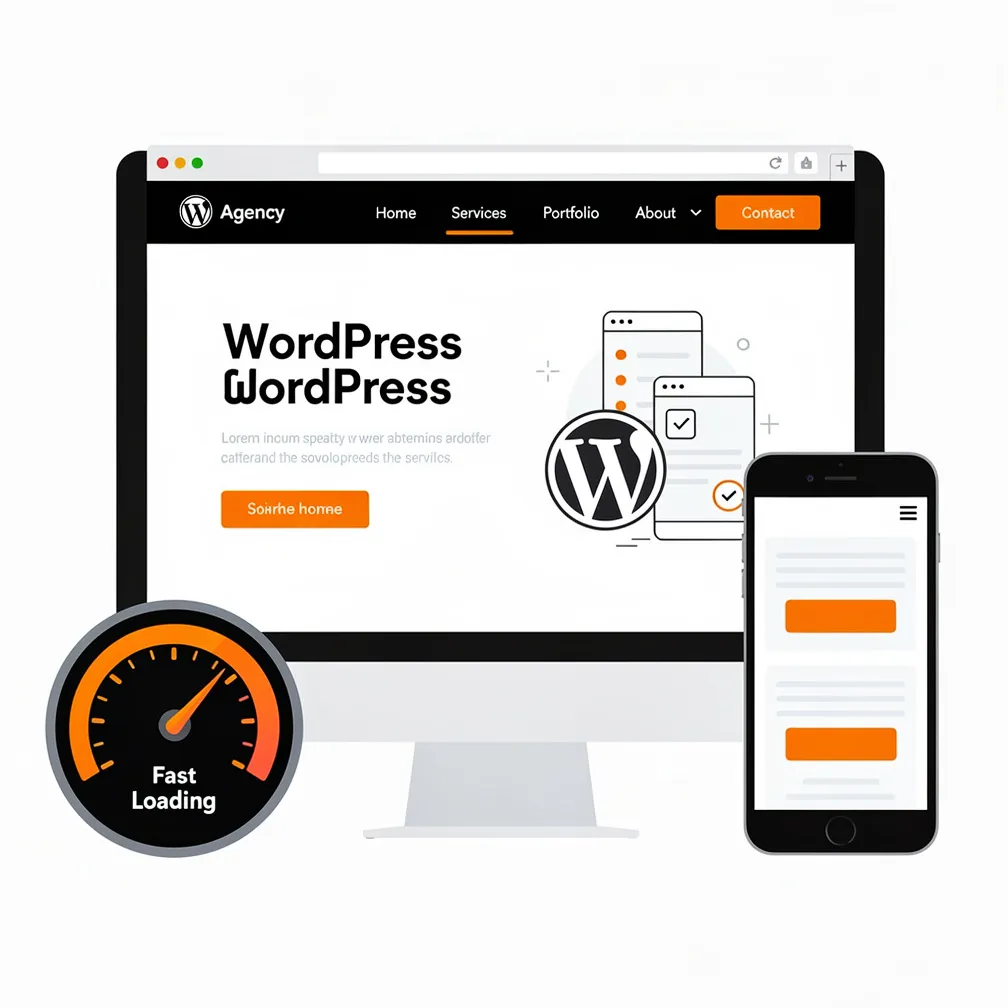
Fast loading matters just as much as aesthetics. Research consistently shows that slow sites frustrate users and undermine credibility. When your agency website takes more than a few seconds to load, prospects unconsciously assume your work will be similarly sluggish. Core Web Vitals have become both a ranking signal and a user expectation, which means optimizing Largest Contentful Paint, minimizing layout shifts, and ensuring swift interactivity aren’t optional technical exercises—they’re trust signals. If you’re promising to build high-performing WordPress sites for clients, your own site needs to exemplify those standards.
Mobile-friendly layouts are no longer differentiators; they’re baseline requirements. The majority of your prospects will encounter your site on a phone or tablet first, and if the experience is awkward—tiny text, horizontal scrolling, unresponsive buttons—they’ll move on. A truly mobile-optimized design adapts not just layout but also interaction patterns, ensuring that touch targets are appropriately sized, forms are easy to complete, and navigation is intuitive. Clear, logical navigation structures help visitors find what they need quickly, reducing cognitive load and frustration. When people have to hunt for your services, your contact information, or your pricing, you’ve introduced friction that erodes trust before they even learn what you do.
Trust Signal #2: Real Testimonials and Reviews
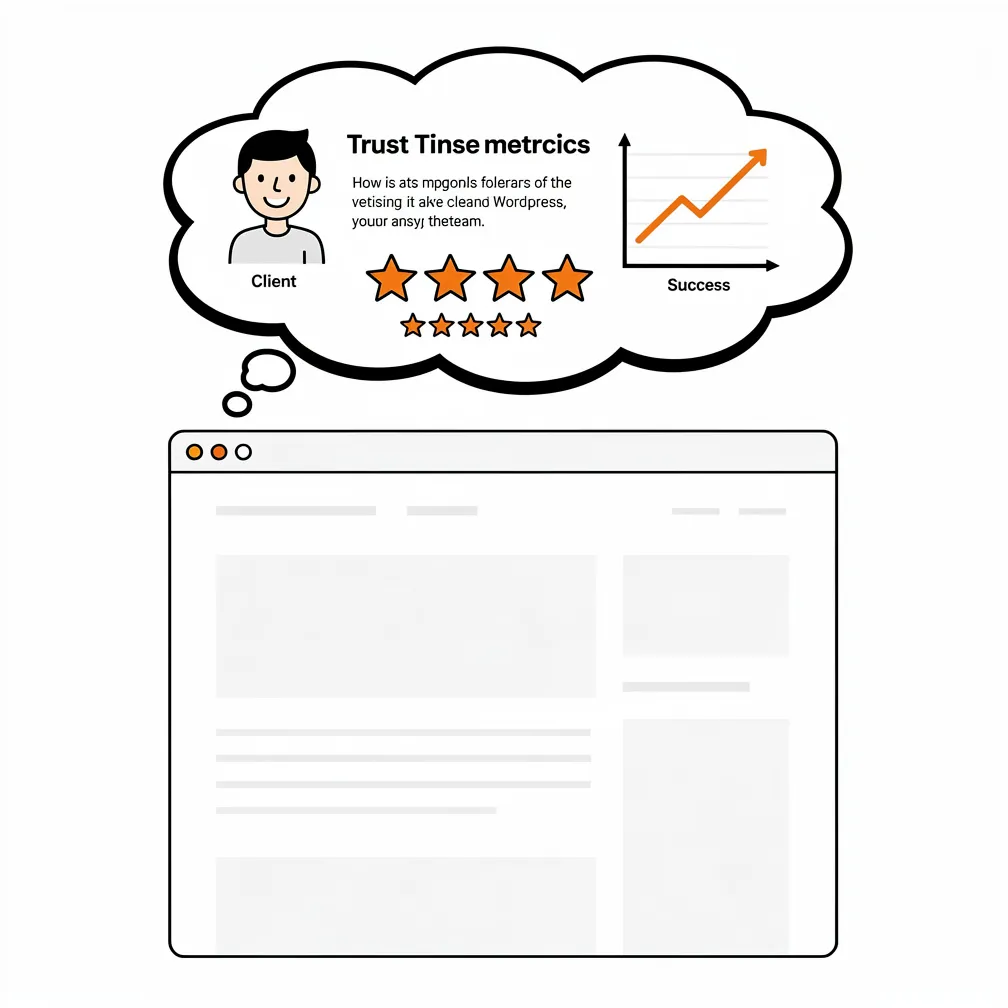
Nothing builds confidence like hearing from someone who’s already taken the leap. Testimonials and reviews function as social proof, reassuring nervous prospects that others have trusted you and had positive outcomes. But generic praise—”Great work!” or “Highly recommend!”—does almost nothing. Effective testimonials are specific: they name the challenge, describe your approach, and highlight measurable results. When a potential client reads that you helped a Toronto law firm increase qualified leads by 40% through better site structure and local SEO, they can picture how you might solve their problem too.
Where possible, include the client’s name, role, company, and even a photo or logo. Anonymized or first-name-only testimonials feel less credible because they’re so easy to fabricate. If confidentiality is genuinely required in some cases, balance those with several fully attributed quotes. Beyond your own site, external review platforms like Google Business Profile add another layer of authenticity. Prospects often trust third-party reviews more than testimonials you’ve curated yourself, so actively generating and linking to those external profiles demonstrates transparency. You can also leverage psychology-backed trust strategies by showcasing both qualitative client stories and quantitative proof points.
Industry-specific testimonials carry extra weight. If you’re pitching to a dental practice, a glowing review from another healthcare provider is more relevant than one from a retail shop. Organize your testimonials by sector, service type, or outcome so visitors can quickly find stories that mirror their situation. Before-and-after examples—whether screenshots, analytics comparisons, or narrative case studies—offer tangible proof of transformation. When prospects see that you’ve solved problems similar to theirs, the psychological barrier to reaching out drops significantly.
Trust Signal #3: Transparent Services and Process
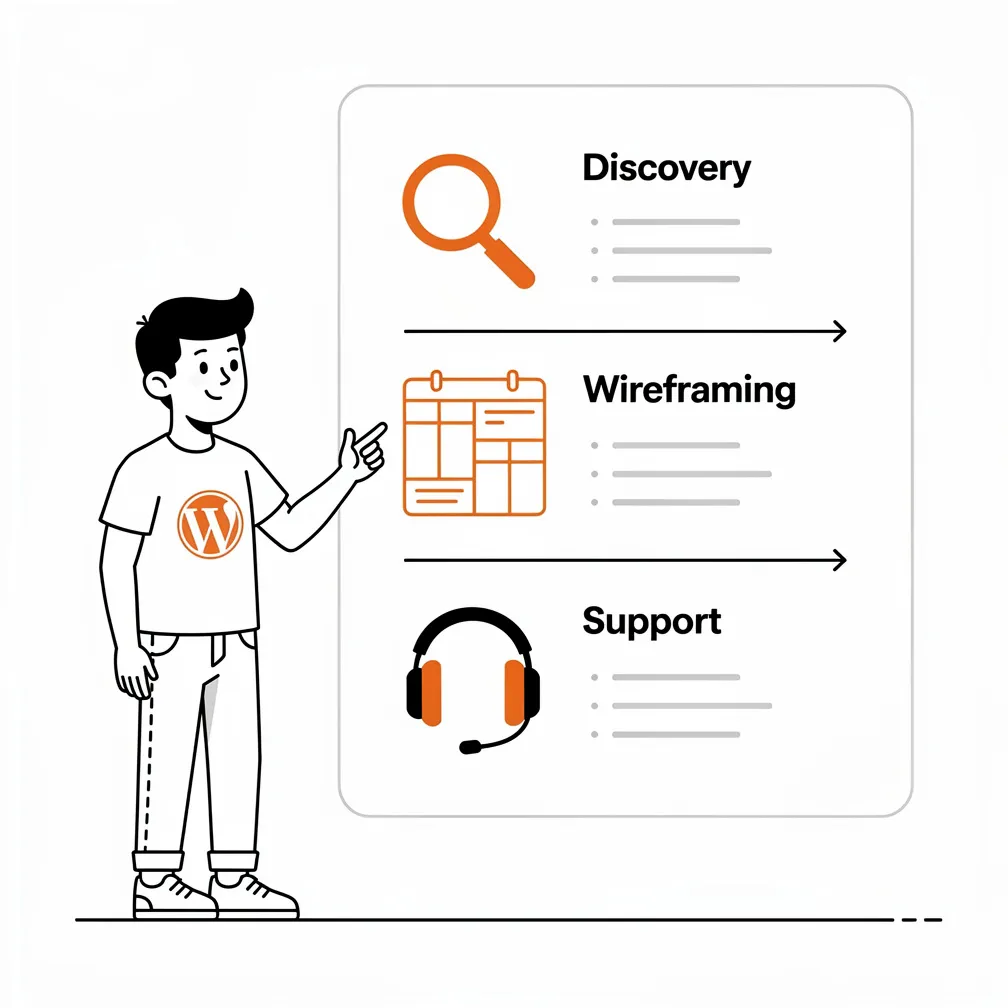
Vague promises of “full-service web design” or “comprehensive WordPress solutions” don’t reassure anyone. Prospects need to understand exactly what you do, what’s included in your packages, and how the engagement will unfold. Transparent service descriptions that break down deliverables, timelines, and responsibilities reduce ambiguity and build confidence. When you clearly explain that your design process includes discovery workshops, wireframing, stakeholder reviews, responsive development, accessibility testing, and post-launch training, you’re demonstrating a mature, repeatable approach rather than winging it project by project.
Process pages or “How We Work” sections walk prospects through the journey from first contact to launch and beyond. Outline the stages: initial consultation, discovery and strategy, design and development, quality assurance, launch, and ongoing support. For each stage, describe what happens, what you’ll need from the client, and what they can expect from you. This level of transparency reassures risk-averse buyers that you won’t leave them hanging or surprise them with unexpected requests halfway through. It also filters out clients whose expectations don’t align with your methodology, saving everyone time and frustration.
Clarifying next steps is equally important. After someone reads about your services, they should immediately understand what to do next—whether that’s booking a free consultation, requesting an estimate, or reviewing your maintenance plans. Ambiguity at this critical moment creates hesitation. Simple, direct calls to action paired with straightforward contact mechanisms (more on that shortly) turn interested visitors into leads. Explaining what happens after they reach out—”We’ll schedule a 30-minute discovery call within 48 hours”—further reduces anxiety by setting clear expectations.
Show, Don’t Just Tell
Consider creating detailed service pages for each offering: WordPress design, development, maintenance, support, local SEO, accessibility, or specialty services. Each page should describe the problem it solves, your approach, typical outcomes, and what’s included. For maintenance plans, list exactly what tasks you perform—core updates, plugin updates, backups, security scans, uptime monitoring—and how often. This granularity demonstrates that you’ve thought through your offerings rigorously and that clients won’t be paying for nebulous “support.” It also functions as an educational tool, helping prospects understand why ongoing care is essential, not optional.
Trust Signal #4: Security and Privacy
Security and privacy concerns sit near the top of every business owner’s worry list, especially after hearing horror stories of hacked sites, ransomware, or data breaches. Your website needs to communicate that you take these risks seriously and have systems in place to protect client sites. At the most basic level, your own site must have an SSL certificate and use HTTPS. The padlock icon in the browser bar is a small but crucial trust signal; its absence immediately raises alarms.
Beyond SSL, your privacy policy should be prominent, comprehensive, and written in plain language. Prospects want to know how you collect, use, and protect their data, especially if they’re filling out contact forms or signing up for newsletters. Similarly, a clear cookie policy demonstrates compliance with regulations and respect for user autonomy. For Canadian businesses, referencing adherence to privacy standards or using Canadian hosting can be a meaningful differentiator, signaling that data stays within national borders and is subject to Canadian privacy laws. Mentioning your hosting infrastructure—whether you use managed WordPress hosts with built-in security features, perform regular backups, or employ monitoring tools—reinforces that you’re proactive about safeguarding client investments.
Data protection language throughout your site, especially near forms or transactional elements, reassures visitors that their information won’t be misused or exposed. Phrases like “We never share your contact information” or “Your data is encrypted and stored securely” might seem minor, but they address subconscious anxieties that can otherwise prevent form submissions. If your agency has formal security protocols, incident response plans, or partnerships with security-focused vendors, mention those as well. Prospects evaluating agencies want partners who understand that WordPress security is a continuous practice, not a one-time checkbox.
Trust Signal #5: Proof of Expertise
Credibility comes from demonstrating that you genuinely know your craft and stay current with the evolving WordPress ecosystem. One of the most effective ways to build this authority is through consistent, high-quality content. A regularly updated blog with articles on topics like WordPress performance optimization, security best practices, accessibility, local SEO, or industry-specific solutions signals that you’re engaged, informed, and willing to share knowledge. Educational content also helps prospects self-qualify and understand the value of your services before they contact you, making sales conversations more productive.
Case studies take this a step further by documenting real-world challenges, your strategic approach, and measurable outcomes. Rather than simply showcasing visual designs, case studies explain the business problem, the technical and creative solutions you implemented, and the results—whether increased traffic, higher conversion rates, improved user engagement, or reduced maintenance overhead. When prospects see that you’ve systematically solved problems similar to theirs, they’re far more likely to trust that you can do the same for them. Including data—such as local SEO improvements that boosted visibility or performance optimizations that cut load times—adds concrete proof.
Your portfolio should be curated and contextualized, not just a gallery of screenshots. For each project, provide background, objectives, your role, technologies used, and outcomes. If confidentiality prevents you from sharing certain details, anonymize the client but still describe the context and results. FAQs and educational resources further position you as a helpful expert rather than a sales-driven vendor. Answering common questions transparently—about timelines, costs, processes, risks—builds trust by showing you’re willing to educate rather than obscure.
Thought Leadership and Community Engagement
If team members speak at WordCamps, contribute to open-source projects, write for industry publications, or participate in professional communities, highlight that involvement. Recognition, awards, or inclusion in curated lists of top WordPress agencies serve as external validation that others in the industry respect your work. These signals matter particularly to risk-averse clients who want reassurance that they’re hiring an established, credible partner rather than a fly-by-night operation.
Trust Signal #6: Accessibility and Inclusivity
Accessibility is both a legal consideration and a powerful trust signal. Sites that are easy to use for people with disabilities—offering readable fonts, strong color contrast, keyboard navigation, descriptive alt text, and clear, accessible forms—demonstrate professionalism and inclusivity. For Canadian businesses, accessibility is increasingly a compliance requirement, particularly for organizations serving the public or operating in regulated sectors. When your own site meets or exceeds WCAG Level AA standards, you signal that you understand these requirements and can implement them for clients.
Accessibility also benefits all users, not just those with disabilities. Good contrast improves readability in bright environments. Keyboard navigation helps power users. Clear form labels and error messages reduce frustration for everyone. Prospects notice when a site is easy to navigate and understand, even if they don’t consciously attribute it to accessibility practices. Conversely, a site with poor contrast, confusing navigation, or inaccessible forms creates friction that undermines trust. If you’re looking to streamline workflows and improve user experience, accessibility should be a foundational component.
Consider creating an accessibility statement that outlines your commitment, the standards you follow, and how users can report issues. This transparency reinforces your expertise and shows that accessibility isn’t an afterthought. For agencies pitching to larger organizations, educational institutions, or government bodies, robust accessibility credentials can be the difference between winning and losing a contract.
Trust Signal #7: Easy Ways to Take Action
Even the most trustworthy site fails if visitors can’t easily take the next step. Clear, prominent calls to action (CTAs) guide users toward contact forms, phone calls, email inquiries, free estimates, or booking links. Every key page—homepage, service pages, about page, portfolio—should include relevant CTAs that match the user’s intent at that stage of their journey. If someone is reading about your maintenance plans, offer a CTA to request a maintenance quote or schedule a consultation about ongoing care.
Contact forms should be simple, asking only for essential information. Long, complicated forms with unnecessary fields introduce friction and reduce completion rates. Phone numbers and email addresses should be visible in headers, footers, and contact pages, giving visitors multiple ways to reach you. Some prospects prefer calling; others want to email or fill out a form. Accommodate all preferences to maximize accessibility. Offering a free estimate or initial consultation lowers the perceived risk of reaching out, making it easier for cautious prospects to take that first step.
If you use scheduling tools that allow visitors to book a call directly from your site, integrate those prominently. Eliminating back-and-forth email exchanges about availability reduces friction and demonstrates respect for the prospect’s time. Clear CTA buttons with action-oriented language—”Get Your Free Estimate,” “Book a Strategy Call,” “Request Maintenance Quote”—perform better than generic “Submit” or “Contact Us” labels. The easier and more inviting you make the process of reaching out, the more qualified leads you’ll generate from your trust engine.
Website Trust Checklist
Use this checklist to audit your WordPress agency site and identify areas for improvement:
- Does your site load in under three seconds on mobile and desktop?
- Is your design clean, modern, and visually consistent across all pages?
- Do you have an active SSL certificate and HTTPS enabled sitewide?
- Are your privacy policy, cookie policy, and terms clearly linked in the footer?
- Do you display real, attributed client testimonials with names and companies?
- Are there links to external review platforms like Google Business Profile?
- Do your service pages clearly explain what’s included, how you work, and what outcomes clients can expect?
- Have you published recent blog posts, case studies, or educational resources?
- Does your site meet WCAG Level AA accessibility standards (contrast, alt text, keyboard navigation)?
- Are contact details—phone, email, physical address—visible on every page?
- Do you offer multiple ways for prospects to reach you (form, phone, email, scheduling tool)?
- Have you clarified your maintenance plans, pricing structures, or retainer options?
- Do case studies include measurable outcomes and business context, not just visual mockups?
- Is your navigation intuitive, with clear labels and logical structure?
- Have you described your process from discovery through launch and ongoing support?
- Do CTAs appear on key pages with action-oriented, specific language?
- Is there an accessibility statement or reference to standards you follow?
- Have you highlighted your security practices, backup protocols, or hosting infrastructure?
- Do you reference Canadian compliance, data sovereignty, or local hosting if relevant to your market?
- Are team bios and photos included to humanize your agency?
A Trustworthy Website Makes Selling Easier
When your WordPress site functions as a trust engine, sales conversations become consultations rather than pitches. Prospects arrive already convinced that you’re credible, competent, and aligned with their needs. They’ve read your case studies, reviewed your testimonials, understood your process, and decided they want to work with you—now they just need to confirm fit and finalize details. This shift transforms your business. You spend less time convincing skeptical leads and more time collaborating with clients who already trust you.
Building a trust engine isn’t a one-time project; it’s an ongoing commitment to transparency, quality, and client-centricity reflected in every aspect of your site. From design and performance to content and communication, each element either strengthens or weakens the trust you’re trying to build. For WordPress agencies serving Canadian small and medium-sized businesses, where competition is fierce and differentiation often hinges on reputation rather than capability, a trust-focused website isn’t just a nice-to-have—it’s the foundation of sustainable growth. If your site isn’t currently earning trust at every touchpoint, it’s costing you clients. Start treating it as the strategic asset it is, and watch how quickly your lead quality and conversion rates improve. For more insights on building future-ready WordPress sites, explore the evolving best practices shaping the industry.
Frequently Asked Questions
Why does a WordPress agency website need to build trust before a prospect ever contacts you?
Because many prospects are actively looking for reasons to rule you out, not reasons to buy. The article argues that your site has to answer doubts about credibility, process, security, and professionalism before a visitor fills out a form or books a call. When your website functions as a “trust engine,” it reduces hesitation and turns more skeptical visitors into qualified leads.
What makes a strong first impression on a WordPress agency website?
A strong first impression comes from a clean, modern design, fast loading times, and mobile-friendly navigation. The article emphasizes that dated visuals, slow pages, or awkward mobile layouts create immediate doubt about your competence. Clear structure also matters, because if visitors can’t quickly find your services, contact details, or pricing, they may assume your agency is disorganized or difficult to work with.
What kind of testimonials are most convincing for potential clients?
The most convincing testimonials are specific, attributed, and results-focused. Instead of generic praise like “great work,” the article recommends quotes that explain the client’s challenge, your approach, and the measurable outcome. Including the client’s name, role, company, and even a photo or logo increases credibility. Industry-specific testimonials and external reviews, such as Google Business Profile feedback, add even more trust.
How can a WordPress agency make its services feel more transparent and trustworthy?
By clearly explaining what each service includes, how the process works, and what clients should expect at every stage. The article recommends detailed service pages, “How We Work” sections, and clear next steps after someone shows interest. Listing deliverables, timelines, maintenance tasks, and support options helps remove ambiguity. That transparency reassures prospects that your agency follows a mature, repeatable process instead of improvising from project to project.
Which security and privacy signals matter most on an agency website?
The article highlights SSL/HTTPS, a plain-language privacy policy, a clear cookie policy, and visible explanations of how client data is protected. It also recommends mentioning backups, monitoring, hosting choices, and any formal security protocols you use. These details matter because clients worry about hacked sites, data misuse, and unreliable vendors. When your site shows that you take privacy and security seriously, it reduces friction around contact forms and inquiries.